May 11, 2026
183 views
How to add Sub User
Guide on how to add new user or dev in your panel.
How to add Sub User or Dev to your panel
- Log in to your Server RyceLLHost Panel
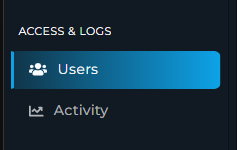
- Navigate Users
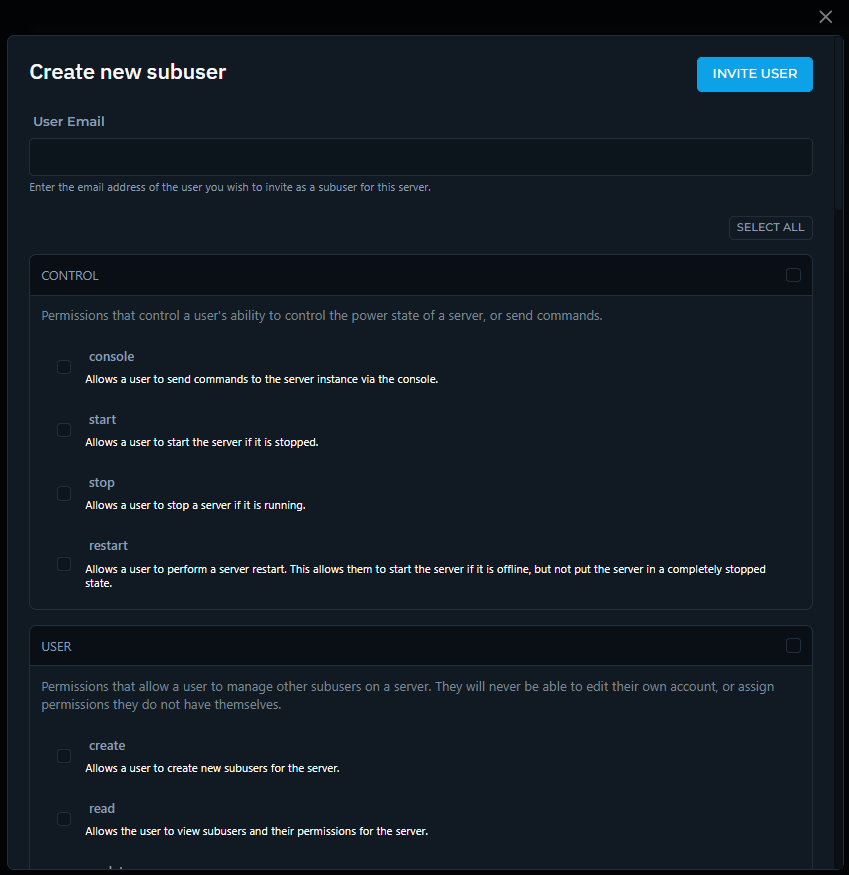
- Click Add User
- Input the Email Address of the New User under "User Email"
- Select Permissions
- Click Invite User
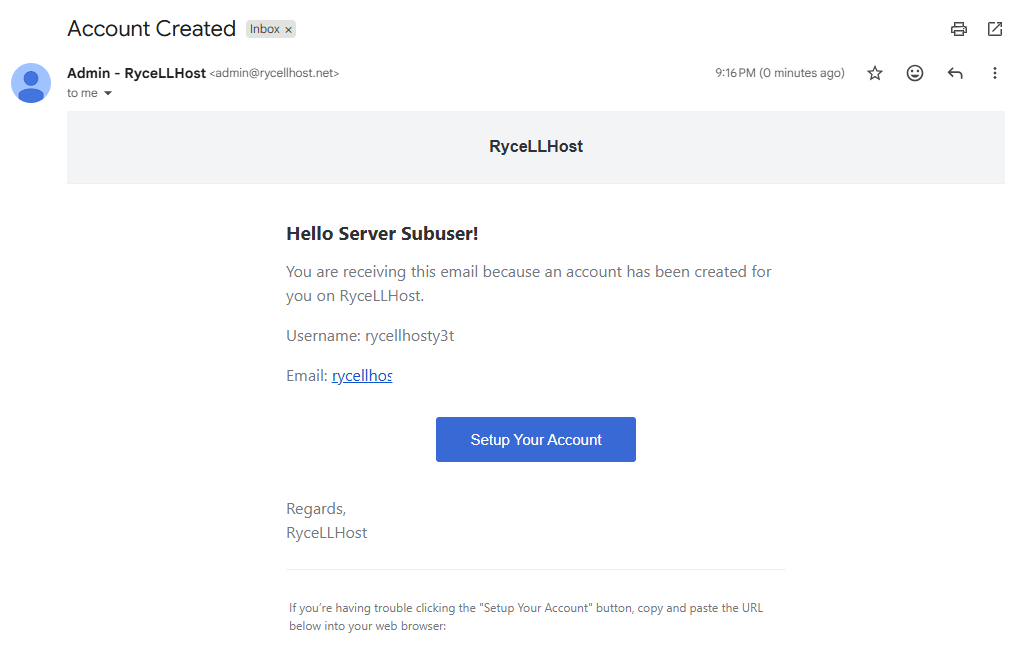
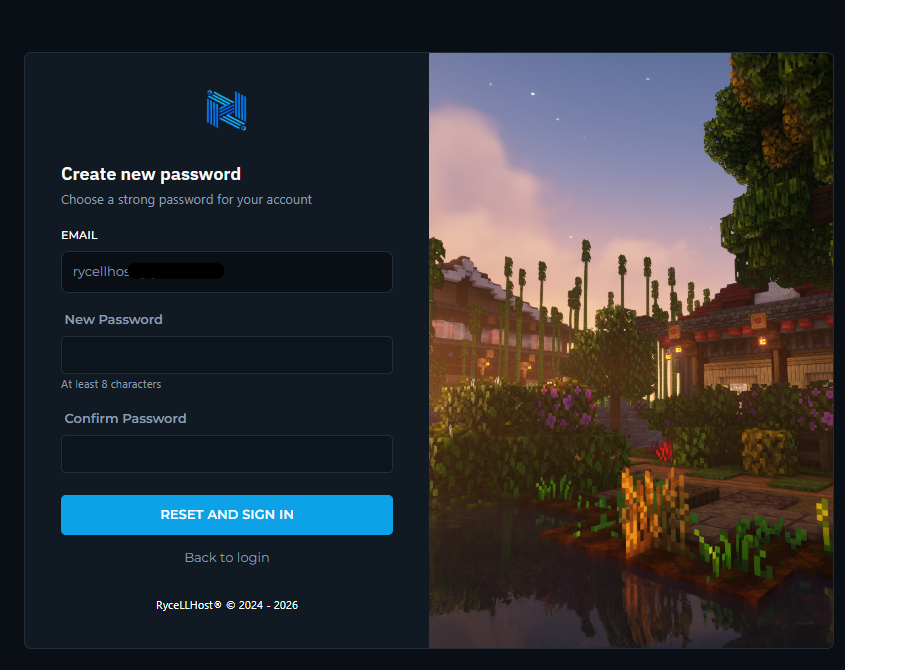
- Once done, the new user should receive a new email to create a password.
- CHECK THE SUBUSER EMAIL to Create Password
- Sub Users will be logging in using their email address via panel https://panel.rycellhost.net/
Always Check the User Permission. File or Database Loss it not hosting responsibility
Use the images below as reference of the process.